
Resources
How to set up an SDS binder people can actually use
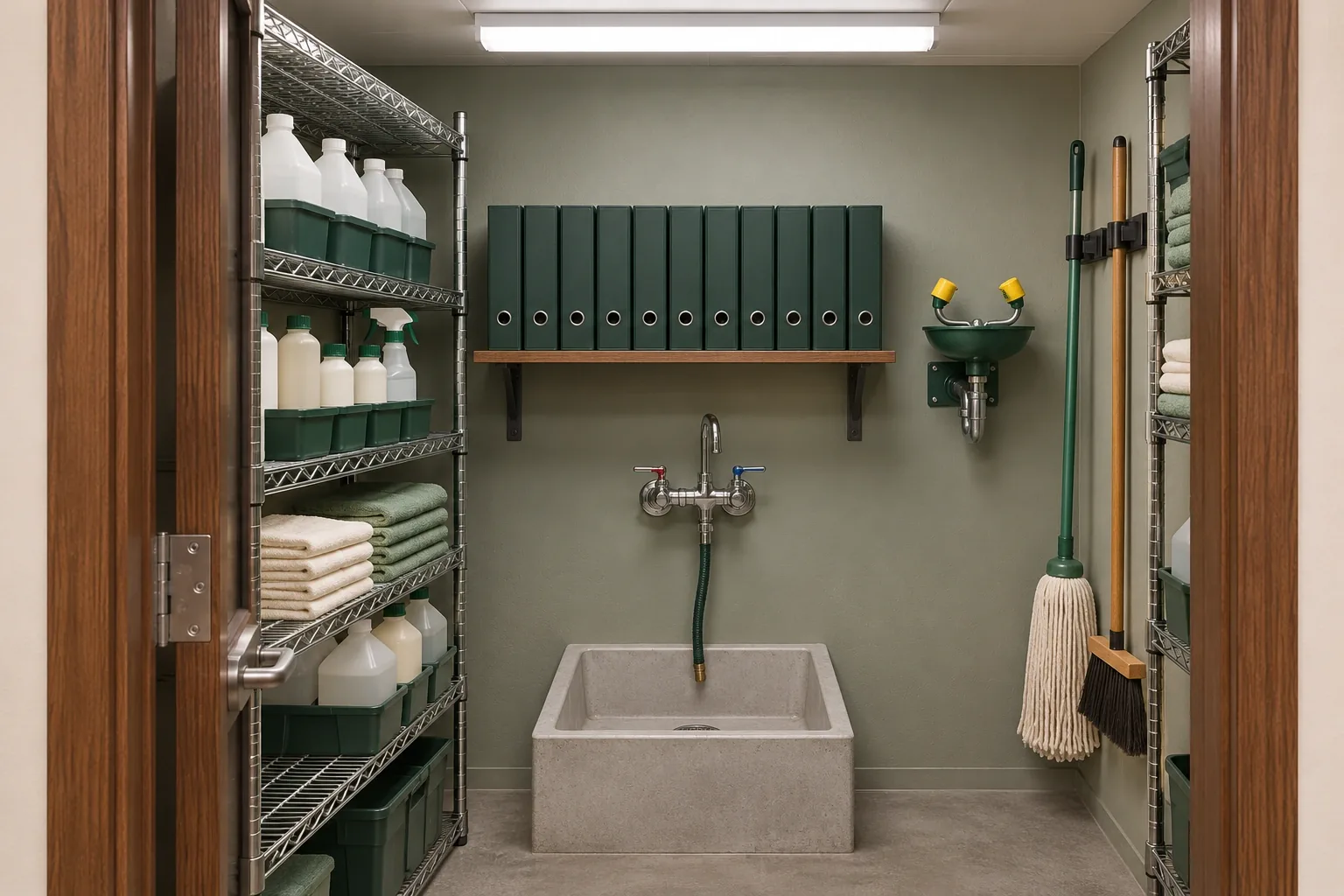
Start with a cover naming its keeper, list every cleaner, finish and maintenance product on site, then divide the sheets so any one is easy to pull. The free printable kit sets it out step by step.
Printable template
One binder, every product sheet
Glass cleaner, floor finish, degreaser, the bowl cleaner in the restroom closet: most cleaners and upkeep products kept on your premises come with a safety data sheet from their maker. Gathering those sheets into one binder means a coworker who needs one can turn to it in a minute, rather than hunting through supplier emails, delivery cartons and folders nobody has opened in years.
Which sheets your workplace keeps there is the employer’s call, made through its own hazard-communication program, so ask the colleague in charge of that program before you begin. The kit here handles the organizing: a front cover, an inventory index and a choice of dividers, which together keep the binder in order when someone grabs it in a rush.
Walk the storage spots first
Before you print anything, walk the building with a pen and the kit’s first page. Products settle in more corners than most people expect, and a binder built from memory tends to miss the bottle that lives on a mailroom shelf. The sheet lists the usual places so you can tick each one as you go:
- Janitor’s closets, floor by floor
- Breakroom and kitchen cabinets
- Mailroom and copy room shelves
- The engineering or maintenance room
- The garage or loading area
- A blank line for any other spot your building has
Write each product down by the name on its label and note where you found it. In an older San Francisco building with a closet on every floor, adding the floor number now saves a second walk later, because it shapes how you divide the binder.
Fill in the cover
The cover page settles the first questions someone has on picking the binder up. Start with the facility, then write where the binder lives in plain terms, like the top shelf of the ground-floor janitor’s closet. Next comes the keeper, who slips new sheets in and takes stale ones out, and a backup keeper who steps in during vacations or a change of staff.
The last box is the Last reviewed date. Fill it in when the binder is first complete, then update it after each review walk. A glance at that box tells a new office manager whether the binder is fresh or has been sitting untouched since the last move.
Build the product index
The index works like a contents page, giving every product its own line. Five headings run across it: Product, Manufacturer, Used in, Sheet date and Divider. Write the product the way its label spells it, and the manufacturer as the maker’s company name. Used in records the room or job where staff pick it up, say restroom fixtures or lobby glass.
For Sheet date, copy the date shown on the safety data sheet. If a supplier later sends an updated sheet, the difference jumps out on that row. Divider records the letter, area or category where the sheet sits, so the index leads straight to it. Keep several rows empty at the foot of the page for products added later in the year.
Pick one divider system and stick with it
There are three ways to split the binder on the kit. Pick one, tick it, and use it from front to back; a binder that mixes two systems is one nobody can search.
- Alphabetical, by the name on the label: fastest when staff know what the bottle is called.
- By floor or room: useful when each floor or wing keeps its own closet.
- By product type: glass, floor, restroom and general purpose, handy for a single supply room.
Keep it current through the year
A binder stays useful only while someone feeds it, and the upkeep lines on the sheet cover the moments that count. On the day a new product turns up, write it into the index and file the sheet in its section. Once a product is used up and won’t be reordered, lift its sheet out of the live sections and put the date on its line, so the index still records the change.
Choose a date for a review walk and pencil it in beside the Last reviewed box. When it comes, take the index around the storage spots, match shelves to rows, refresh the cover and put the binder back in its place. Confirm that the keeper and backup names still belong to people on staff; a binder whose keeper moved on in spring quietly stops getting updates.
Where SF Janitorial fits
Our crews handle the cleaning itself, with recurring care for restrooms, breakrooms, floors and shared areas through janitorial services, plus disinfection and sanitizing for touchpoints when you want it. If you order janitorial supplies through us, add those products to your index the day they arrive, the same as anything else on the shelf.
During a free walkthrough, we tour the rooms and closets with you, talk through the routine and then put a quote in writing. Request yours whenever it suits you; service can run on weeknights or weekends.
A few useful answers
Common questions
Which details belong on the binder’s cover page?
Five: the facility, the place the binder lives, its keeper, a backup keeper and the Last reviewed date. Together they tell anyone holding it who looks after it and how recent it is.
Is it better to file the sheets alphabetically or by floor?
Both work, as long as one system runs through the whole binder. Alphabetical suits staff who know product names, floor or room suits buildings with a closet on each level, and product type suits one central supply room.
How often should the product index be checked?
Add a row when a product arrives, mark the row when one is retired, and walk the storage spots on the review date you set on the cover. That habit keeps the index and the shelves matching.
Who should keep the binder?
Someone who is in the building most days and knows the supply closets, such as an office or facilities manager. Name a backup keeper too, so updates carry on during time off.
Can I print the kit as it is?
Yes. Download the PDF and print as many copies as you like; the Word version next to it lets you type in your building’s name and spots first.
Resources